Source: AI-Powered MSBuild Investigation with the Microsoft Binlog MCP Server · .NET Blog · June 17, 2026
MSBuild binary logs (.binlog) capture every property evaluation, target, task, error, and warning. In large solutions, manual navigation overwhelms. Microsoft's new Binlog MCP Server exposes that data to AI assistants like GitHub Copilot via MCP—answer "why did the build fail?" or "what's slow?" in natural language.
Why MCP?
The Model Context Protocol lets assistants call structured tools. With Binlog MCP, an agent can:
- Pull errors/warnings with full project, target, task, file, and line context
- Trace property origins
- Find slowest projects, targets, and tasks
- Diff two builds
- Read source files embedded during the build
15 tools in four categories
Build Investigation: binlog_overview, binlog_errors, binlog_warnings, binlog_search (Structured Log Viewer DSL), binlog_projects, binlog_properties, binlog_items, binlog_imports, binlog_explain_property.
Embedded Files: binlog_files, binlog_search_files.
Performance: binlog_expensive_projects, binlog_expensive_targets, binlog_expensive_tasks.
Comparison: binlog_compare.
Getting started
Easiest path: the dotnet-msbuild plugin from the .NET Agent Skills repository.
Visual Studio 17.14+: Copilot Agent mode discovers the plugin automatically.
VS Code: Enable dotnet/skills marketplace and install dotnet-msbuild, or wire MCP directly in .vscode/mcp.json with Microsoft.AITools.BinlogMcp.
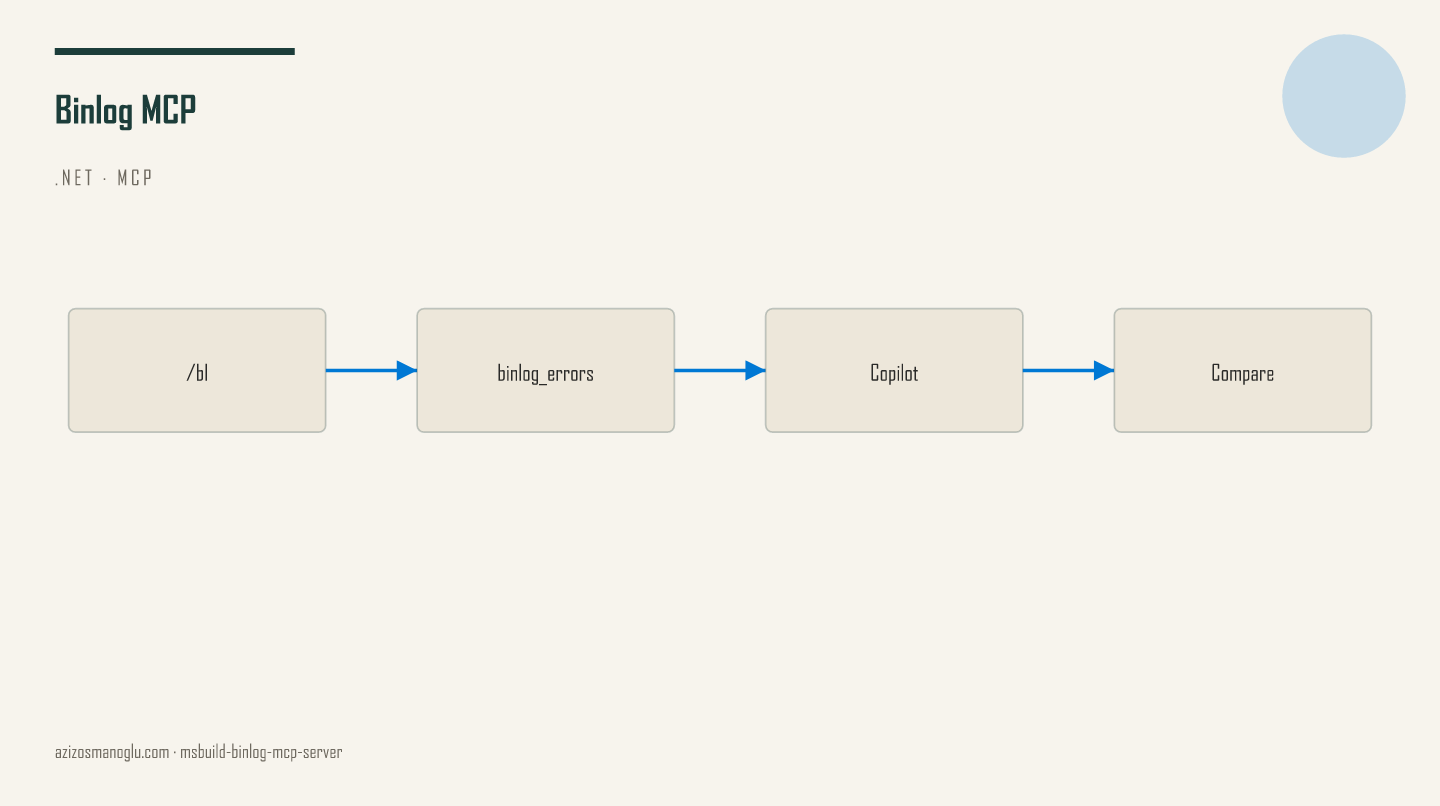
Generate logs with dotnet build /bl.
Typical workflow
- Capture with
dotnet build /bl - Ask: "My build failed—investigate msbuild.binlog"
- Agent chains overview → errors → property trace / search
- Actionable fixes
Compare branches with two binlogs and binlog_compare; use expensive_* tools for performance.
Infrastructure and privacy
Built on StructuredLogger (same engine as MSBuild Structured Log Viewer). Anonymous telemetry only; opt out via DOTNET_CLI_TELEMETRY_OPTOUT=1—no binlog content or raw errors collected.
Preview—feedback welcome in dotnet/skills. A practical step for .NET teams using Copilot for build diagnosis.